Key Exposure Settings


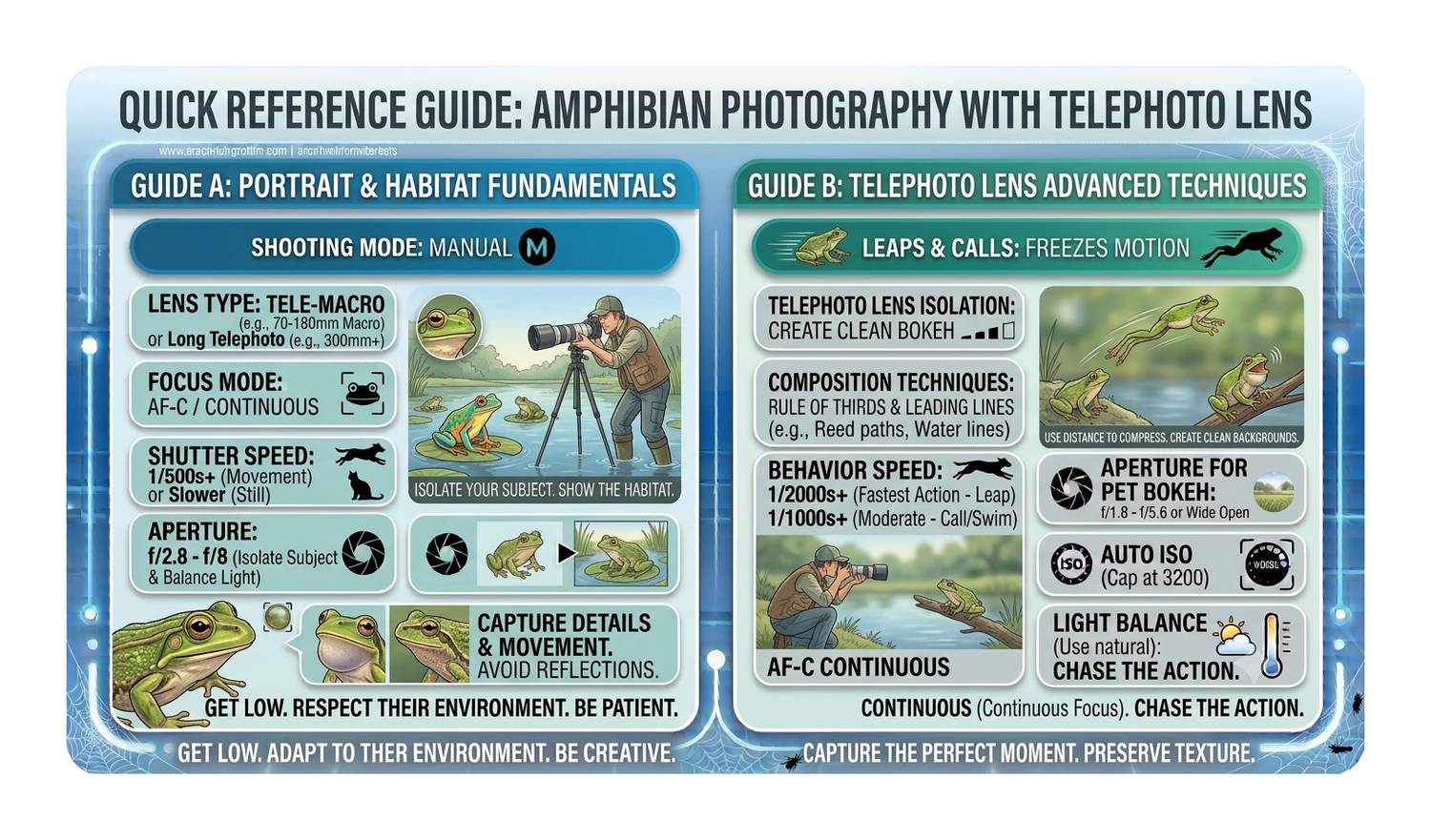
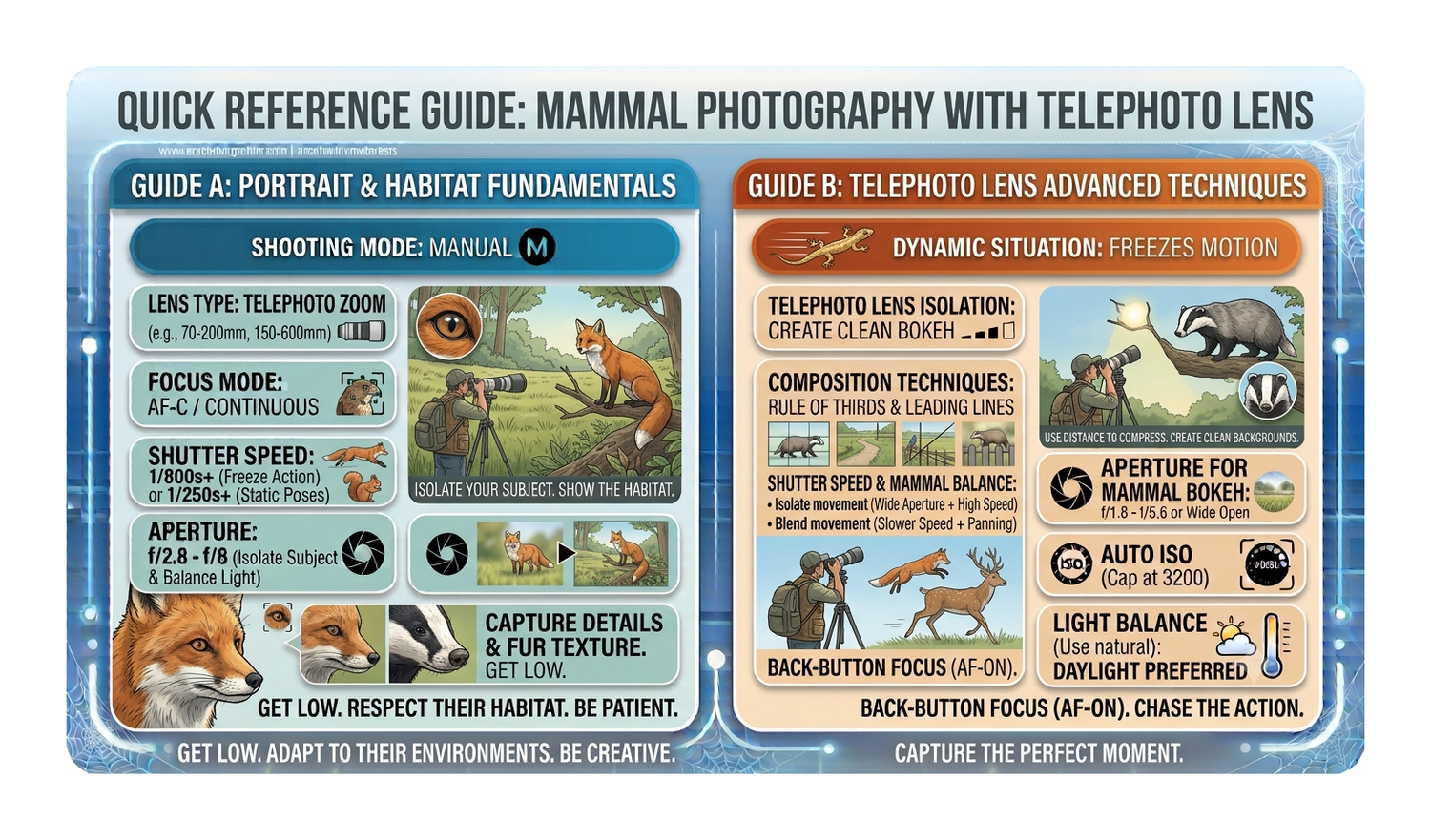
Animals - Still - Natural Light - Telephoto

  • Nikon D850
  • Sigma 150-600mm f/5.0-6.3
  • 600mm
  • f8
  • 1/1000th
  • ISO100 (AUTO)
  • White Balance - Preset

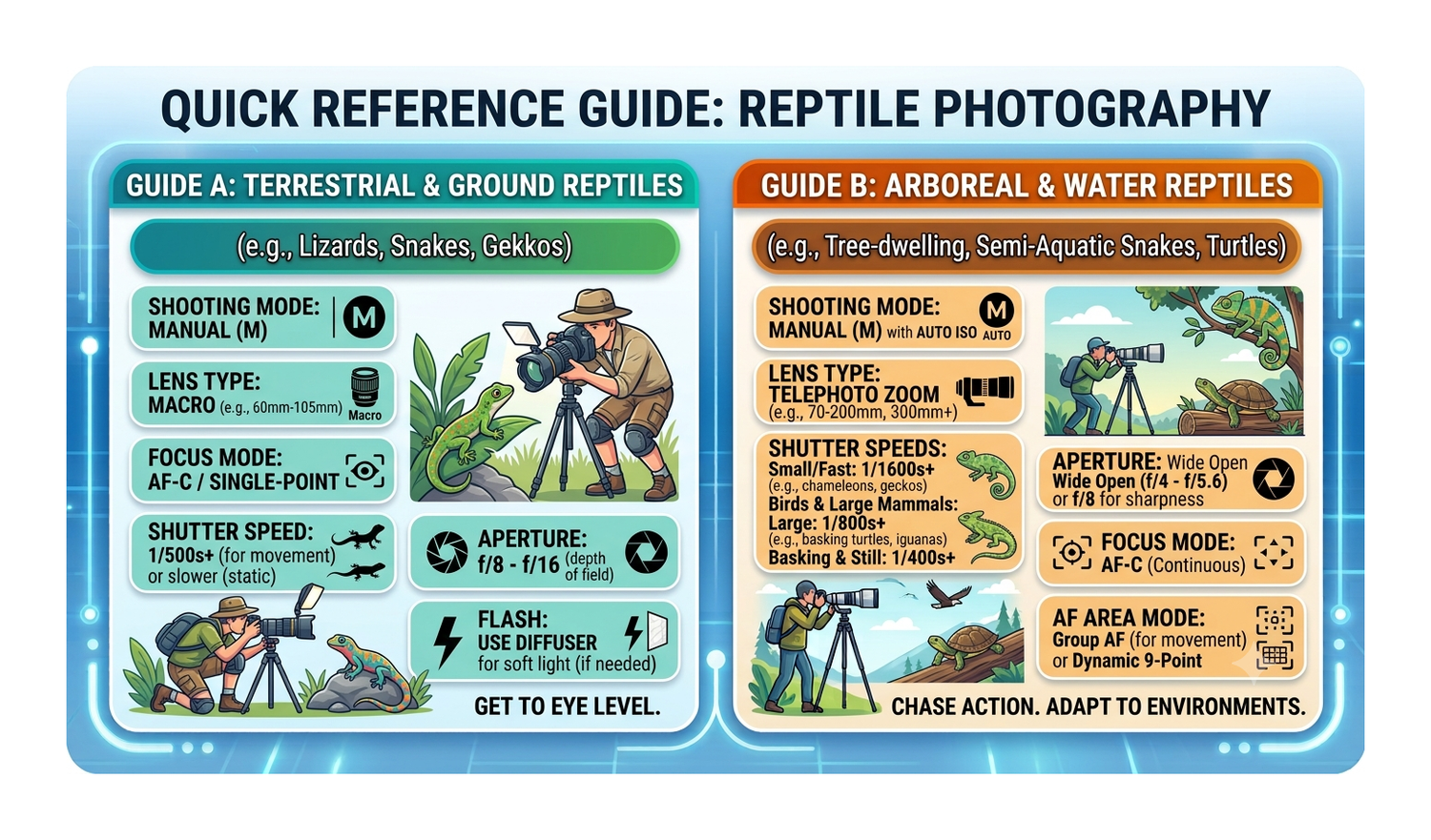
Birds - Slow Movement in Flight - Natural Light - Telephoto

  • Nikon D850
  • Sigma 150-600mm f/5.0-6.3
  • 600mm
  • f8
  • 1/2000th
  • ISO100 (AUTO)
  • White Balance - Preset

Birds - Medium Size - In Flight - Natural Light - Telephoto

  • Nikon D850
  • Sigma 150-600mm f/5.0-6.3
  • 600mm
  • f8
  • 1/3200th
  • ISO100 (AUTO)
  • White Balance - Preset

Birds - Small and Fast - In Flight - Natural Light - Telephoto

  • Nikon D850
  • Sigma 150-600mm f/5.0-6.3
  • 600mm
  • f8
  • 1/4000th
  • ISO100 (AUTO)
  • White Balance - Preset

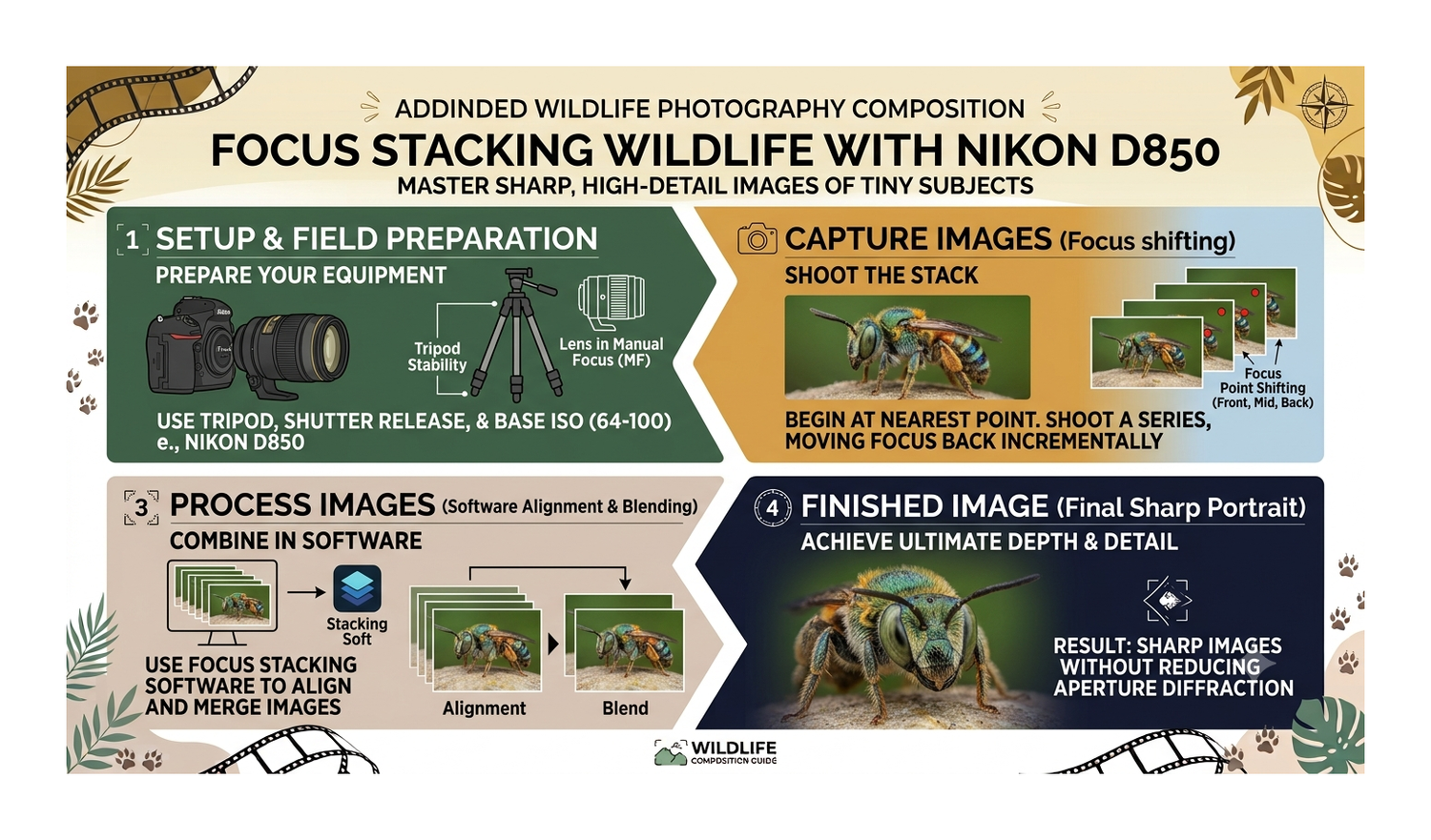
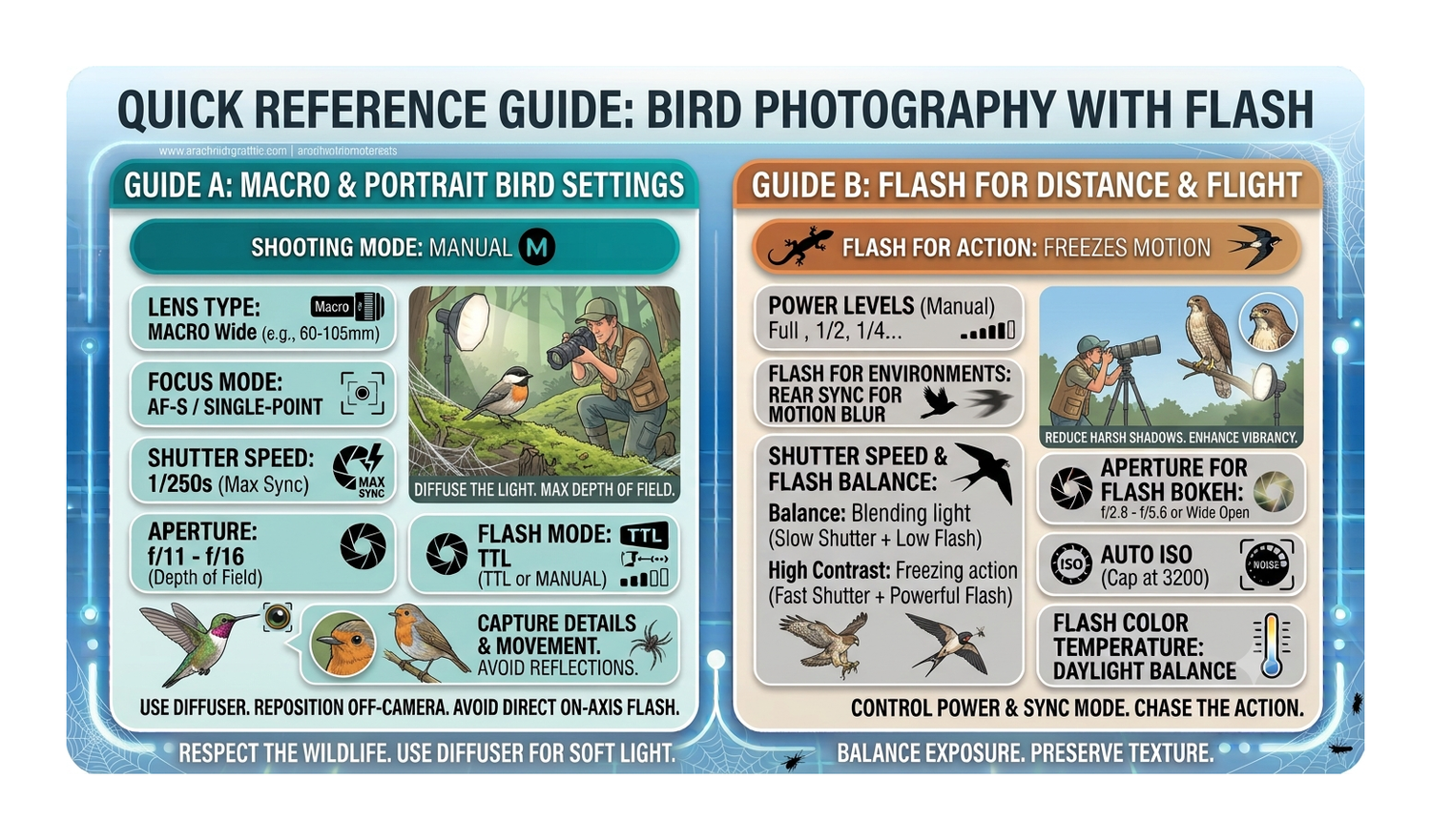
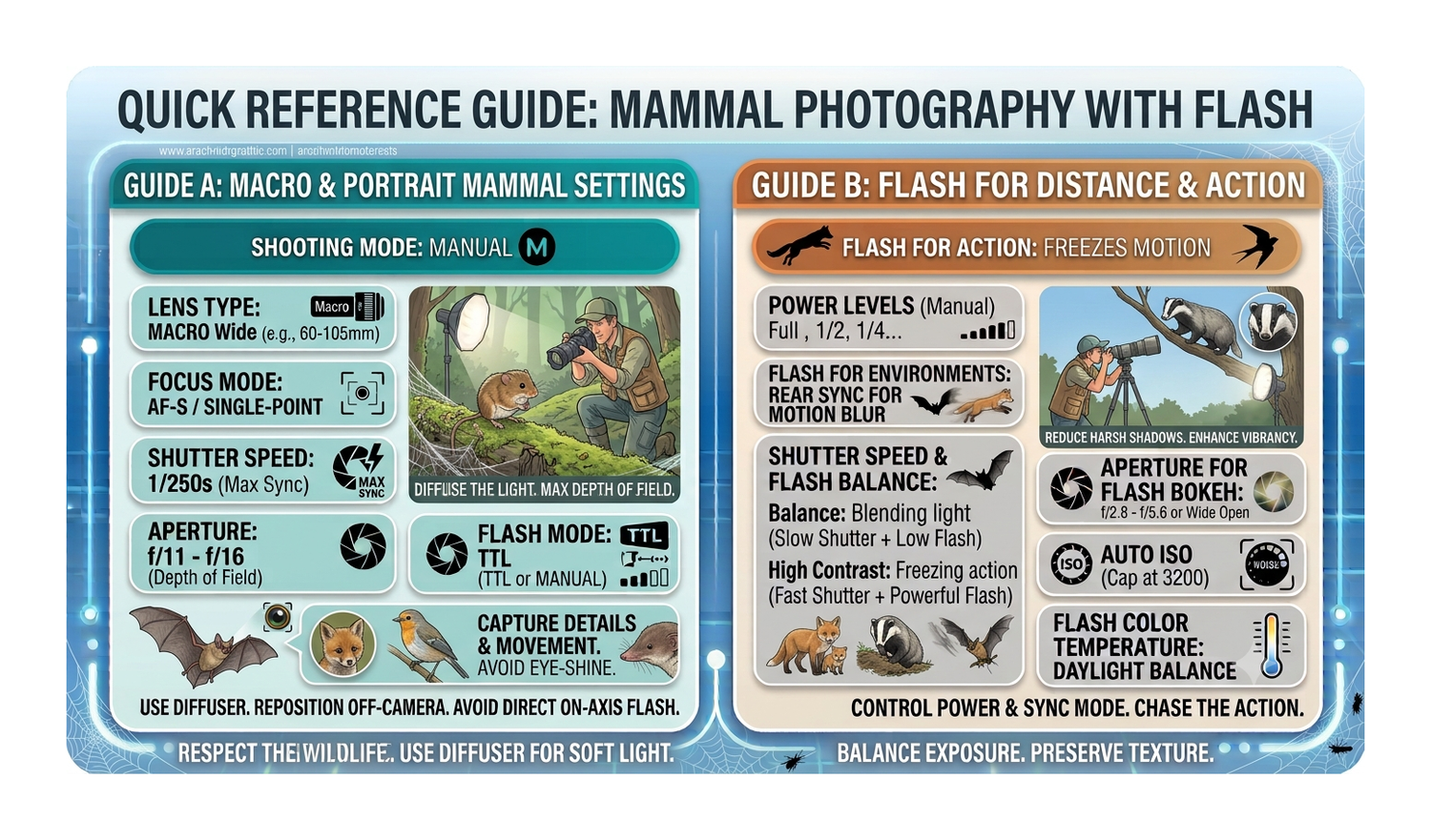
Insect - Still - with Flash and Diffuser - Macro

  • Nikon D850
  • Nikkor 105mm f2.8 Macro
  • 105mm
  • f11 (Normal Size) to f16 (Tiny)
  • 1/250th with flash 1/8th to 1/32 power or TTL
  • ISO100
  • White Balance - Flash
  • Single Point Focus

Insect - In Flight - with Flash and Diffuser - Macro

  • Nikon D850
  • Nikkor 105mm f2.8 Macro
  • 105mm
  • f11 (Normal Size) to f16 (Tiny)
  • 1/250th with flash 1/8th to 1/32 power or TTL
  • ISO100
  • White Balance - Flash
  • Single Point Focus

Insect - Still - Artistic - with Flash and Diffuser - Macro

  • Nikon D850
  • Nikkor 105mm f2.8 Macro
  • 105mm
  • f3.5
  • 1/250th with flash 1/8th to 1/32 power or TTL
  • ISO100
  • White Balance - Flash
  • Single Point Focus

Insect - Still - Artistic - Natural Light - Macro

  • Nikon D850
  • Nikkor 105mm f2.8 Macro
  • 105mm
  • f3.5
  • 1/1000th
  • ISO100 (AUTO)
  • White Balance - Preset
  • Single Point Focus

Insect - in Flight - Natural Light - Telephoto

  • Nikon D850
  • Sigma 150-600mm f/5.0-6.3
  • 600mm
  • f11
  • 1/3200th
  • ISO100 (AUTO)
  • White Balance - Preset

Mammal - Night - Flash - Telephoto

  • Nikon D850
  • Sigma 150-600mm f/5.0-6.3
  • 600mm
  • f6
  • 1/250th
  • ISO100 (AUTO)
  • White Balance - Flash

Animal - Silhouette - Natural - Telephoto

  • Nikon D850
  • Sigma 150-600mm f/5.0-6.3
  • 600mm
  • f8 to f11
  • 1/1600th
  • ISO100 to suit
  • White Balance - Preset

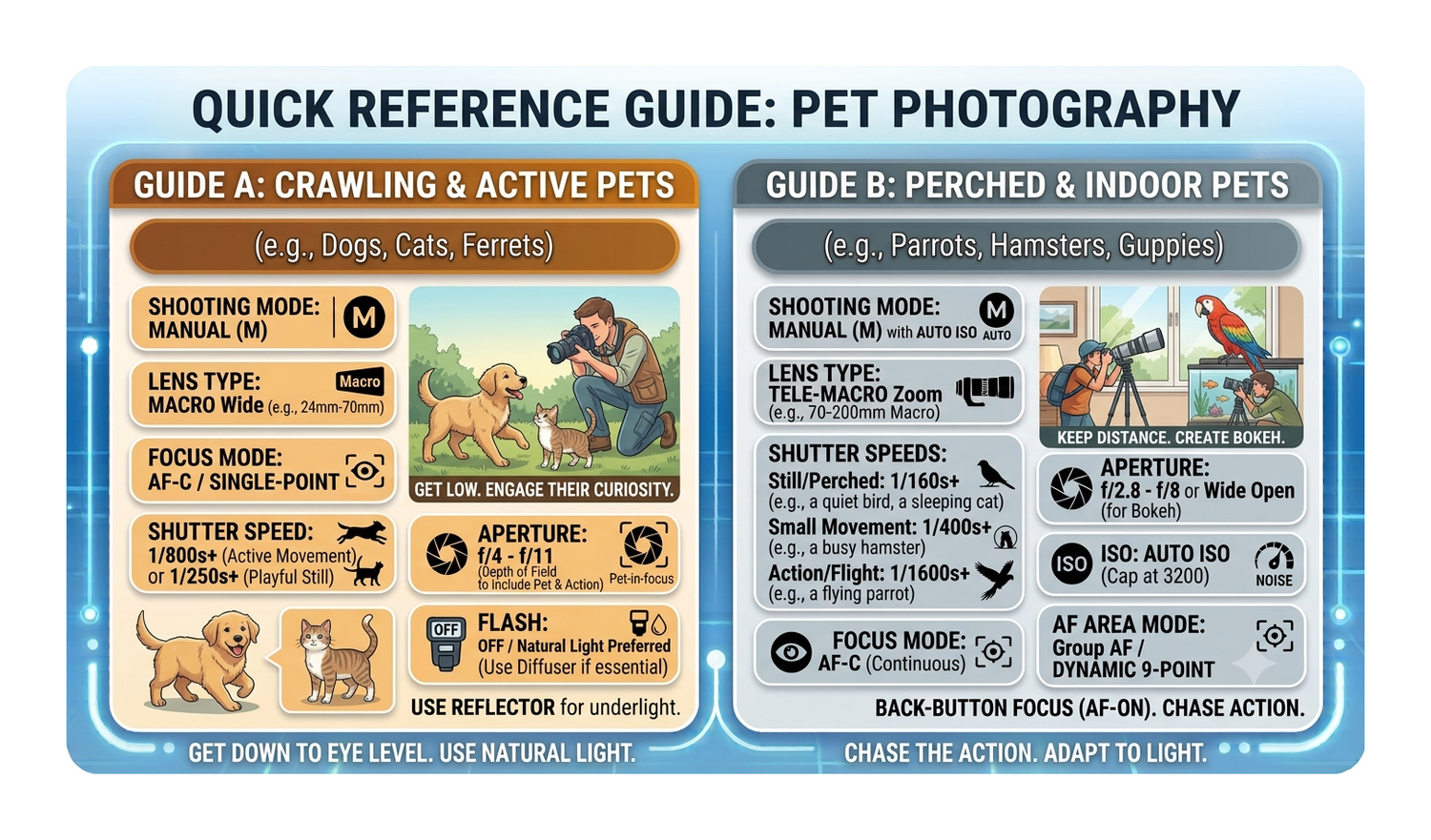
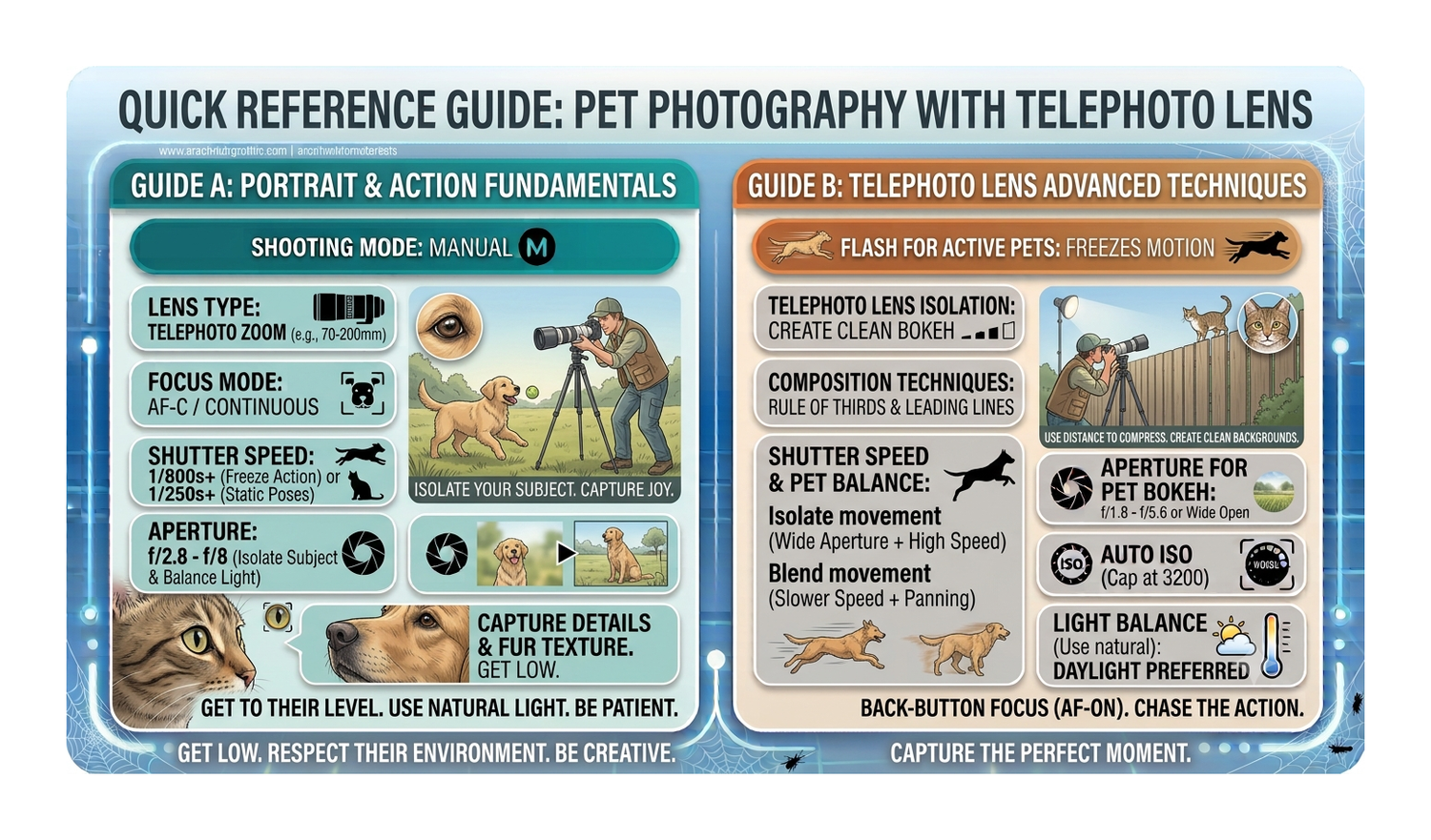
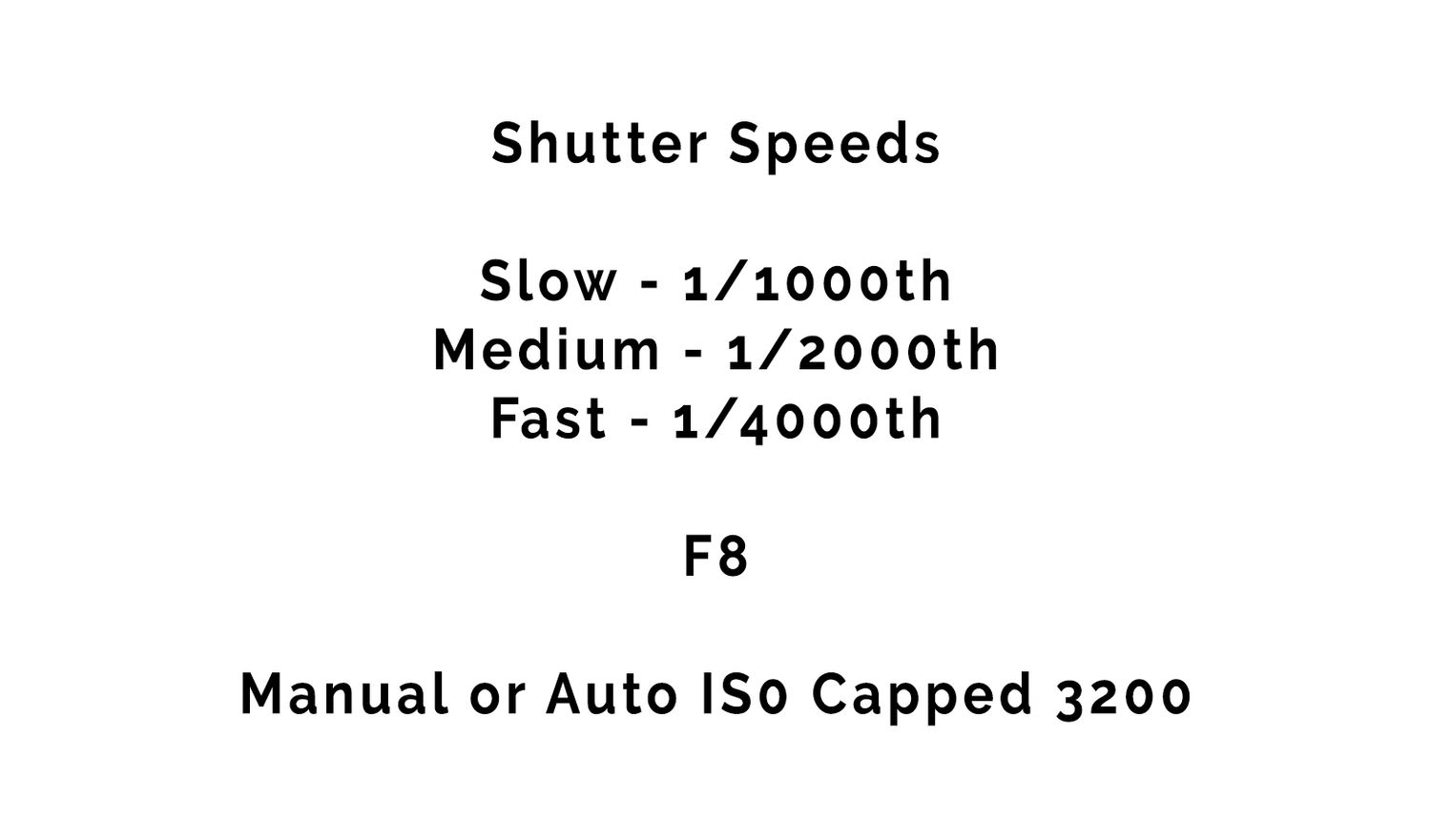
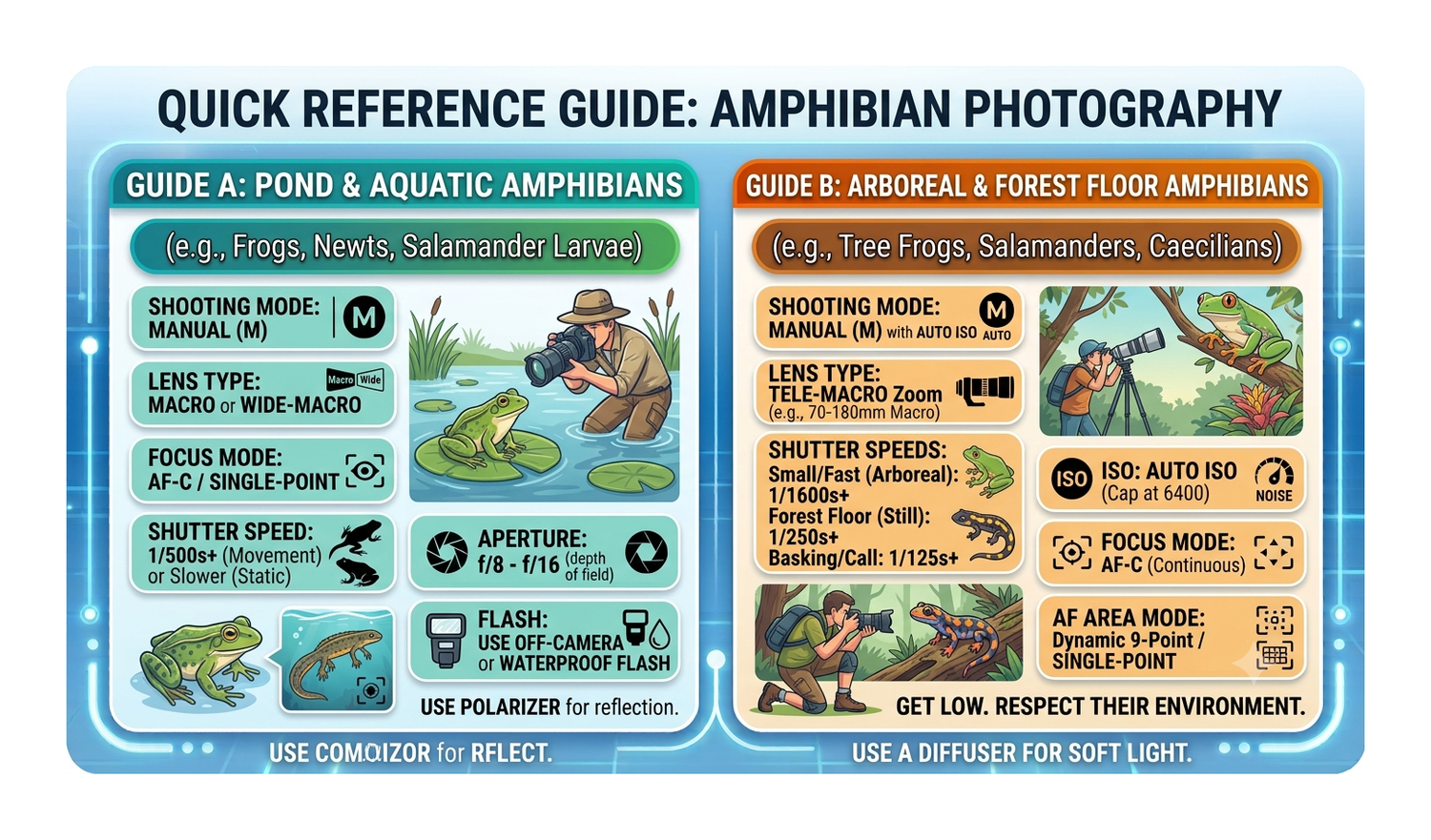
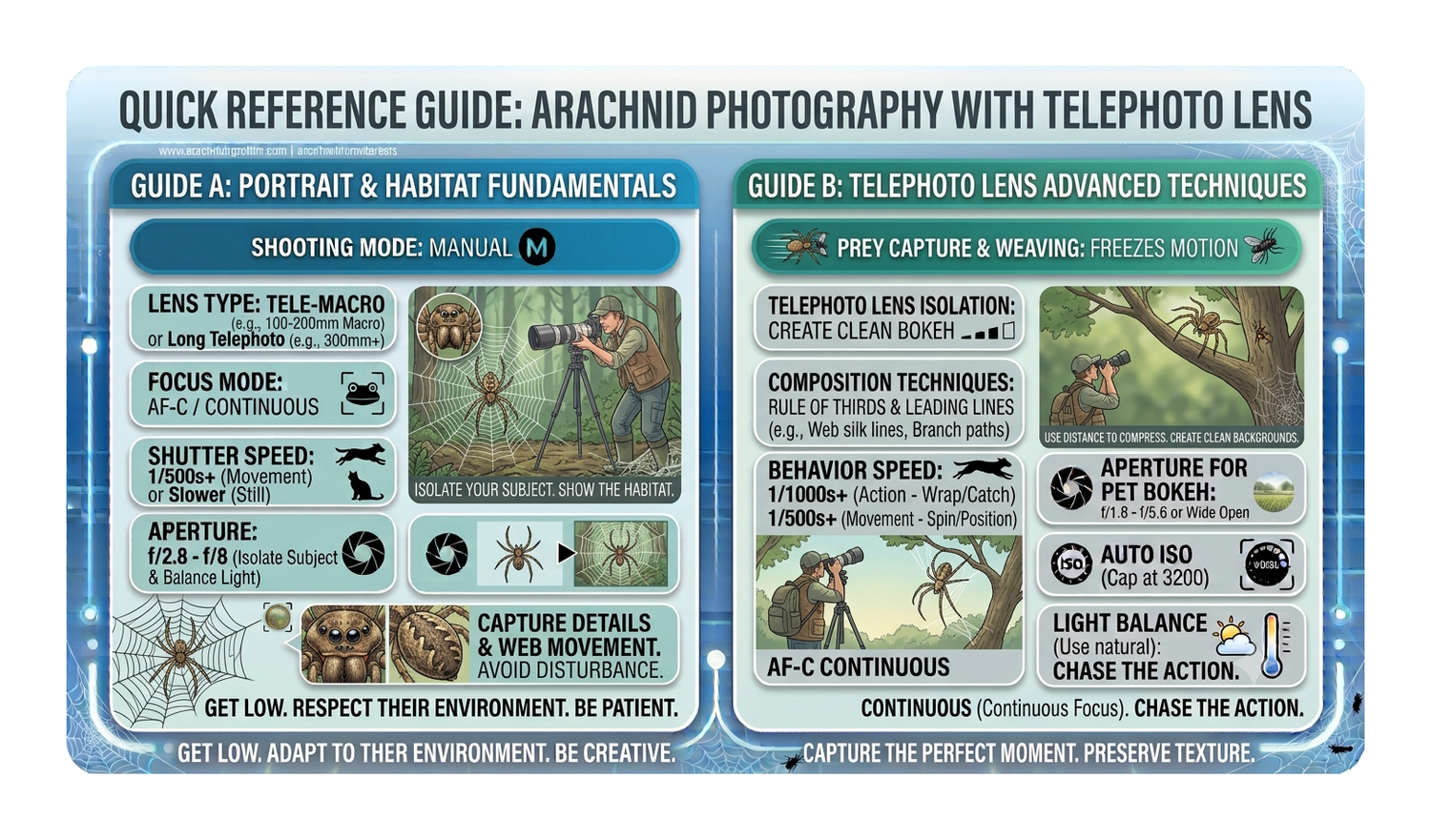
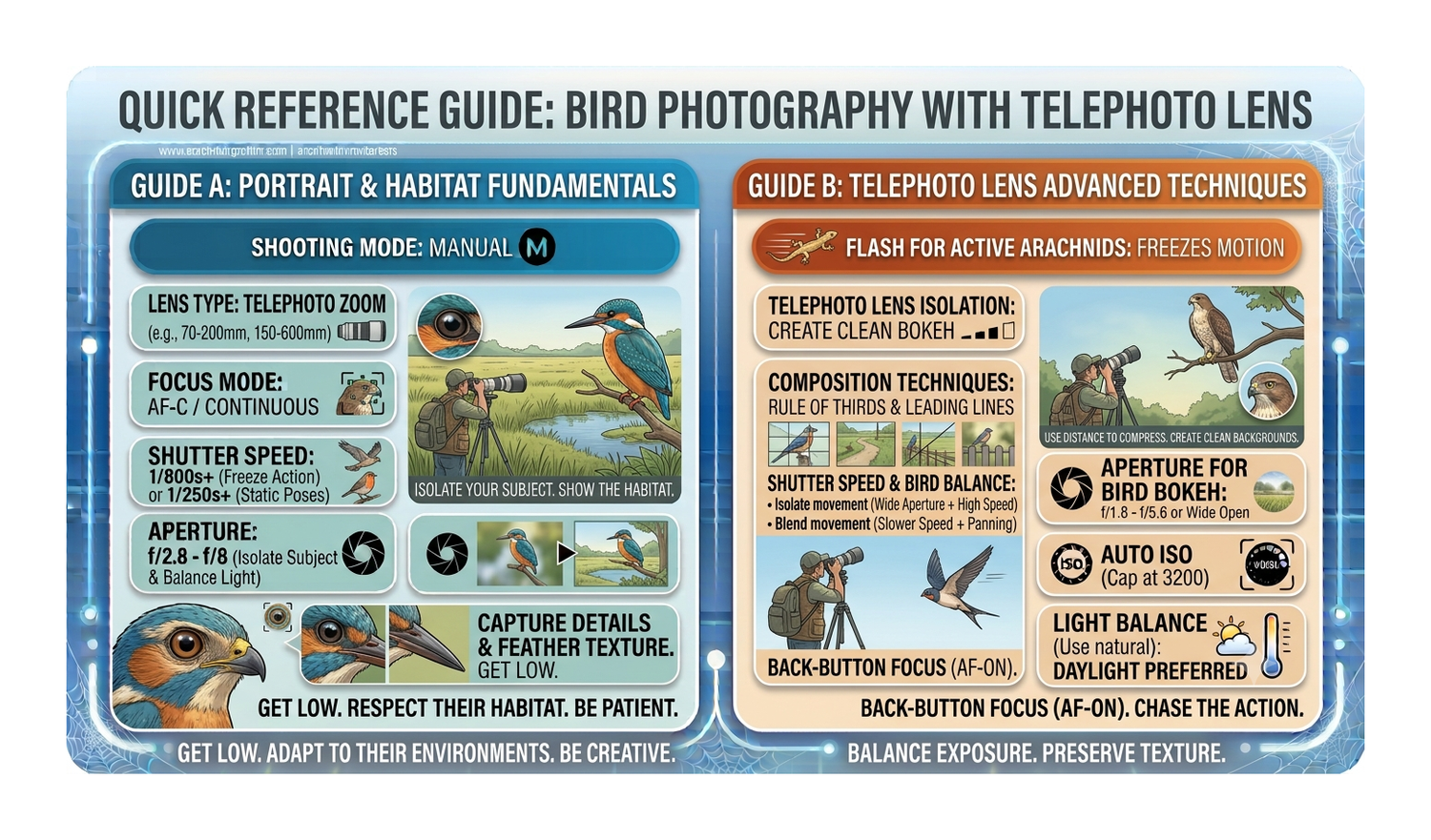
Shutter Speed:

* 1/1000s for resting animals

* 1/2000s for running mammals,

* 1/4000s+ for fast birds in flight.


Aperture:

* Widest setting f/4 or f/5.6) to blur the background

* f/6.3 or f/8 for animal's body in sharp focus.


ISO:

* Auto ISO with a safe upper limit (e.g., 6400 or 12800)


Focus and Drive Modes

• Autofocus Mode: Continuous AF (AI Servo or AF-C) to track moving subjects.

• Subject Detection: Turn on Animal/Eye Detection if your camera model supports it.

• Drive Mode: High-speed continuous burst mode to secure the exact frame when an animal looks up or moves.

• File Format: Shoot in RAW


Best Focus Areas for Wildlife

Zone / Group AF: Uses a small cluster of focus points. Best for birds in flight or running mammals. It gives you a larger target area so you do not lose the animal if it moves erratically.

Single-Point / Spot AF: Uses one precise focus point. Best for stationary animals or when shooting through heavy clutter like branches, tall grass, or leaves.

Tracking / Expand Spot: Uses a primary point but activates surrounding points if the subject moves. Best for larger animals moving across open spaces.


Critical Focus Settings

Focus Mode: Set to Continuous AF (AF-C / AI Servo). The camera constantly adjusts focus as long as you hold the shutter or back button halfway down.

Subject Detection: Turn on Animal Eye Priority AF. Modern cameras will automatically search for and lock onto the animal’s eye within your chosen focus zone.

Back-Button Focus: Assign autofocus to a button on the back of the camera (like AF-ON) instead of the shutter button. This lets you stop and start focusing instantly without accidental shots.

AF Tracking Sensitivity: Adjust this in your camera menu. Set it to "Locked-On" (low sensitivity) so your camera does not accidentally shift focus to a tree or branch if it briefly blocks the animal.


Stationary or Slow Animals (Sitting Dogs, Perched Birds)

AF Area Mode: Single-Point AF or Group-Area AF (Grp).

Focus Technique: Use Single-Point to precisely place the focus square over the animal's eye. If the animal is slightly twitchy, switch to Group-Area AF, which uses a cluster of 5 AF points to ensure the camera locks onto the closest part of the head.


Fast Moving Animals (Running Dogs, Birds in Flight)

AF Area Mode: Dynamic-Area AF (9 points or 25 points).

Focus Technique: Use D9 or D25 for erratic birds. You pick the primary focus point, and the surrounding 9 or 25 points take over if the bird briefly slips away.


Critical Nikon D850 Menu Tuning

AF-C Priority Selection (Menu a1): Set to Release. This ensures the camera takes the shot the exact millisecond you press the shutter, preventing missed action frames.

AF Activation (Menu a8): Set to AF-ON Only (Back-Button Focus). This decouples focusing from the shutter button, allowing you to instantly switch between tracking a moving animal and holding focus on a stationary one.

Blocked Shot AF Response (Menu a3): Set to 3 or 4 (Delayed). This stops your focus from instantly jumping to passing trees, branches, or grass if something blocks the animal for a split second.

Handheld Setup for the 150-600mm (Birds & Dogs)

Vibration Reduction (VR): Set to SPORT mode (if available on your lens) or NORMAL. SPORT mode stabilizes the viewfinder image without fighting your panning movements when tracking a running dog or flying bird.

Shutter Speed Rule: Keep your shutter speed at a minimum of 1/1000s, but push it to 1/2000s or faster at the 600mm end. This counteracts both animal movement and lens shake.

Focus Mode: Use Dynamic-Area AF (9-point) for birds against cluttered backgrounds. Use AF-ON (Back-Button Focus) to track seamlessly while panning.

Stance: Tuck your left elbow tightly into your ribcage. Support the lens barrel near the zoom ring with your left palm facing up.

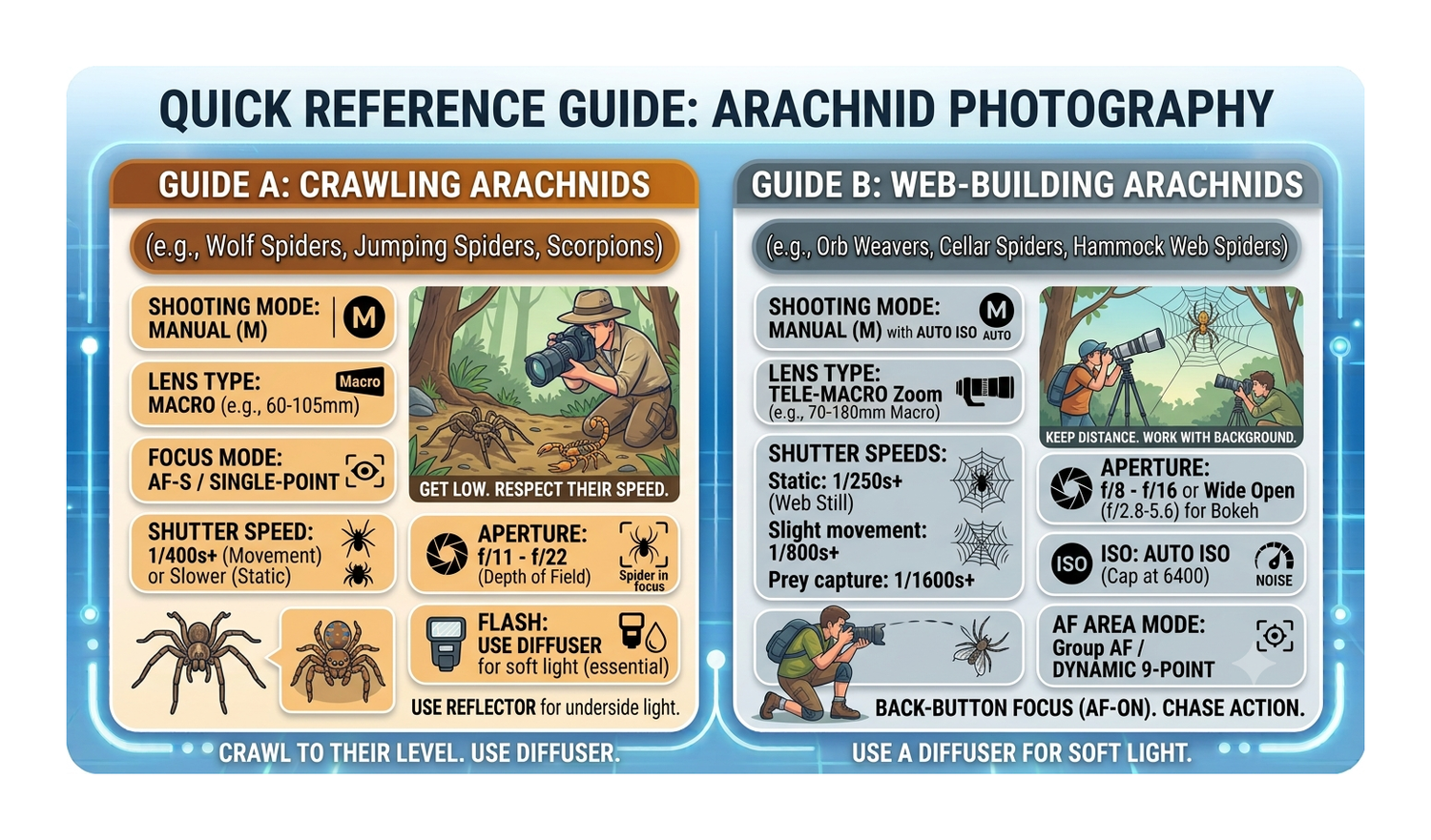
Handheld Setup for the 105mm (Spiders & Insects) – Ambient Light. Macro shooting handheld is highly challenging because shifting forward or backward by even a millimeter will ruin your focus.

Vibration Reduction (VR): Switch VR ON. Note that VR becomes less effective at true 1:1 macro distances, but it still helps stabilize your viewfinder image so you can compose the shot.

Shutter Speed: Shoot at 1/250s to 1/500s. Even though 105mm is a shorter focal length, the high magnification turns tiny hand tremors into massive blur.

Focus Mode: Switch the D850 to Single-Point AF in the viewfinder. Move the single focus point directly over the spider's eye.

The "Rocking" Technique: Instead of relying on autofocus to hunt back and forth at close range, set your lens to the desired magnification, hold your breath, and slowly rock your upper body slightly forward and backward. Fire a quick high-speed burst the exact millisecond the eye looks razor-sharp in the viewfinder.


Handheld Setup for the 105mm (Spiders & Insects)

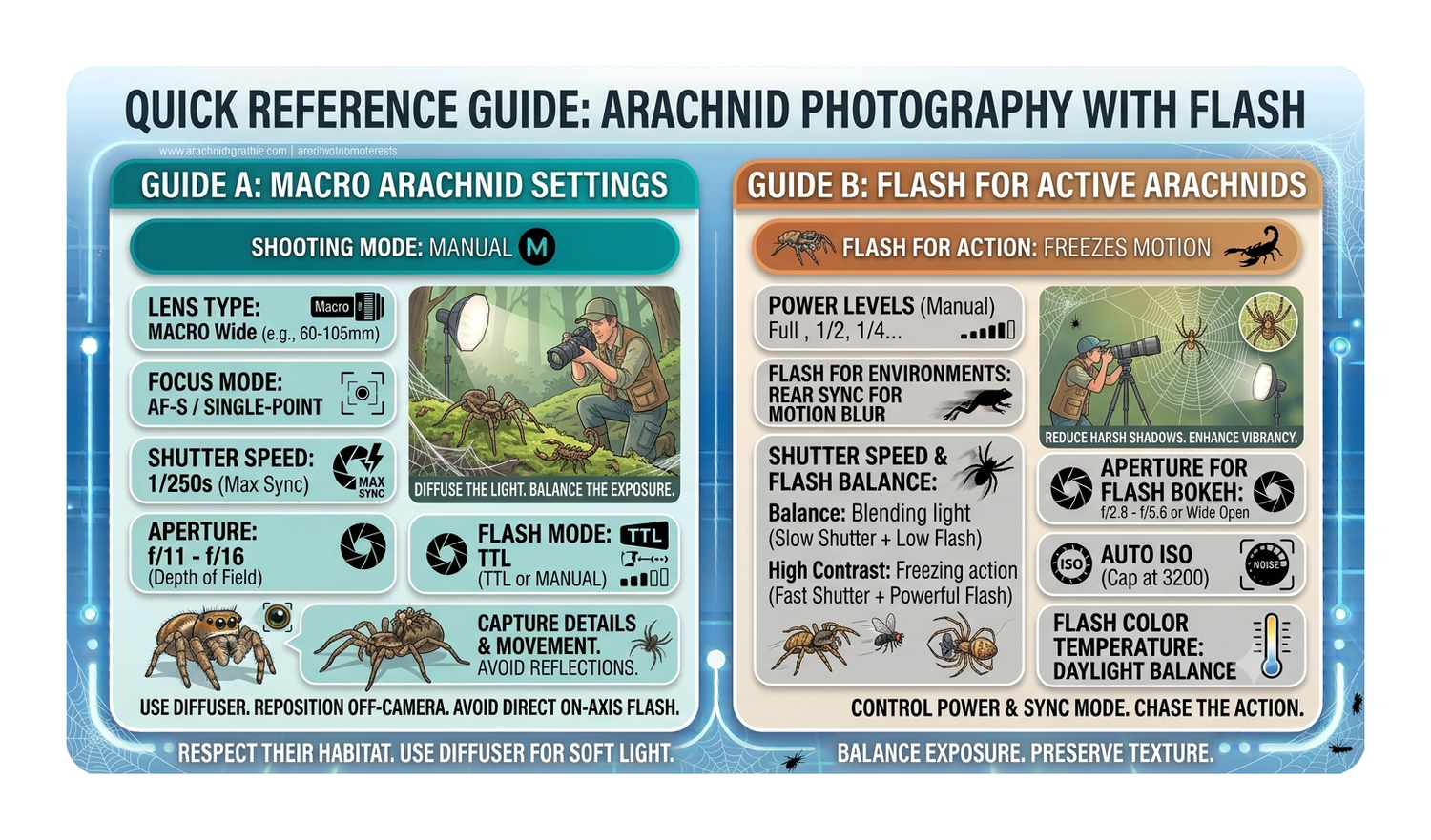
1. Camera Settings (Manual Mode)

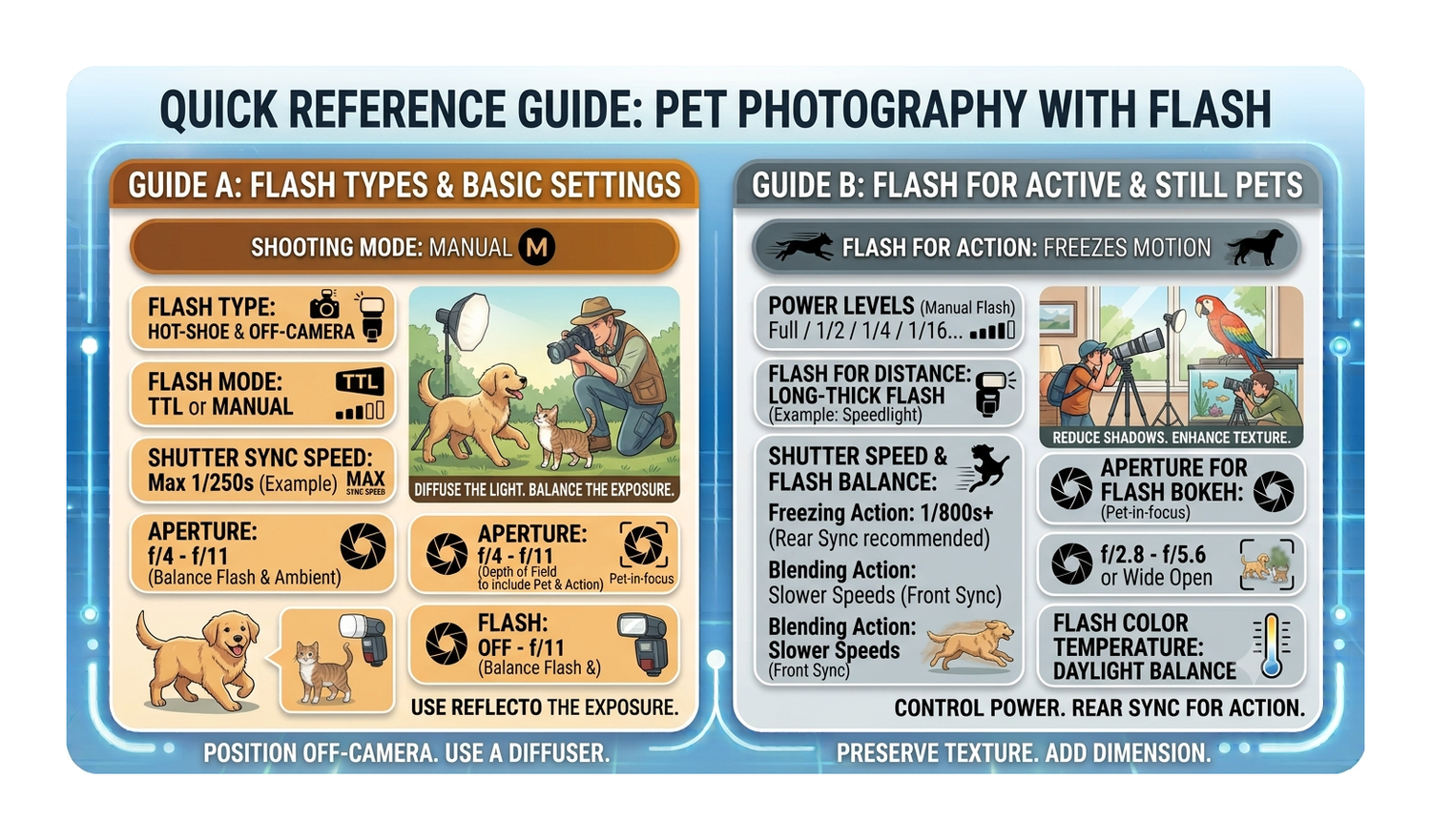
Shutter Speed: 1/250s (This is the D850's maximum native flash sync speed. Shooting at 1/250s blocks out ambient daylight, ensuring your background doesn't turn into a blurry, bright mess).

Aperture: f/11 to f/16 (Do not shoot wide open at f/2.8. Close down to f/11 or f/16 to widen your razor-thin depth of field, keeping the entire spider or insect's face in sharp focus).

ISO: 100 to 200 (Keep your ISO locked low to eliminate background noise. The flash provides all the necessary light).

2. Flash Settings (Speedlight)

Flash Mode: Manual (M) (Avoid TTL automatic metering, as shiny bug shells or dark backgrounds trick the sensor into overexposing or underexposing).

Flash Power: Start at 1/16 or 1/32 power (Because you are shooting centimetres away from the subject, you only need a fraction of the flash's power. Adjust up or down based on your test shots).

Flash Positioning: Slide your hot-shoe flash forward or use an off-camera bracket so the flash head sits directly over the front element of your 105mm lens, angled slightly downward toward the subject.

3. The Secret Ingredient: High-Quality Diffusion

A bare flash produces harsh white reflection spots (hotspots) on reflective targets like beetle shells or spider eyes. You must diffuse the light.

Use a Macro-Specific Diffuser: Specialized front-heavy diffusers wrap around the front of your 105mm lens barrel.

Why it works: This creates a massive, soft light source incredibly close to the bug. It eliminates harsh reflections, softens shadows, and brings out vibrant natural colours.


Macro and Small Creatures (Spiders & Insects)

AF Area Mode: Single-Point AF or Pinpoint AF (in Live View).

Focus Technique: Macro depth of field is razor-thin. Lock your focus on the spider's closest eye. For extreme close-ups, switch to Manual Focus (M) and rock your body slightly forward and backward until the eye snaps into sharp focus.


Summary Checklist for the Field

1. Set the camera to M mode: 1/250s, f/11, ISO 100.

2. Turn on the flash in Manual mode at 1/32 power.

3. Mount your diffuser over the front of the 105mm lens.

4. Take a test shot of a leaf—if it is too bright, drop the flash to 1/64; if too dark, raise it to 1/16.


Universal D850 Handheld Setting

Auto ISO Minimum Shutter Speed: Go to Photo Shooting Menu > ISO sensitivity settings > Auto ISO sensitivity control. Set Minimum shutter speed to Auto, then move the slider one or two steps toward Faster. When using your 150-600mm, this instructs the camera to automatically raise the ISO to keep your shutter speed safely high as you zoom in.